Fire TV Ambient Experience Wallpapers
Any Fire TV with the Ambient Experience feature, not only the Ember Artline, can run wallpapers as an ambient background using the same Amazon Photos pipeline.
Fire TV art mode specs
- Model lines: Fire TV Omni QLED, Fire TV Stick, and any Fire TV with Ambient Experience
- Companion app: Amazon Photos
- Ideal resolution: 3840 × 2160
- Aspect ratio: 16:9
- File types: JPEG, PNG
- Transfer method: Amazon Photos, synced to the same Amazon account as the TV
How art mode works on Fire TV
Upload wallpapers to Amazon Photos on the same Amazon account as the Fire TV, then open the Ambient Experience from the remote's Shortcuts menu and choose Change Background to select the uploaded images or album.
A full, numbered step-by-step setup guide for Fire TV — along with the other five brands covered here — is included as a free PDF download with every wallpaper bundle purchase.
Browse wallpaper bundles
Every wallpaper on this site is delivered at 3840 × 2160 (16:9), Fire TV's native art-mode resolution, so bundles work on a Fire TV TV as-is.
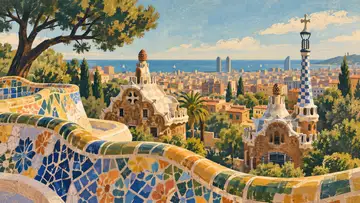
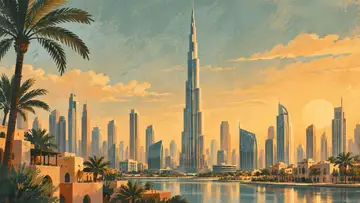
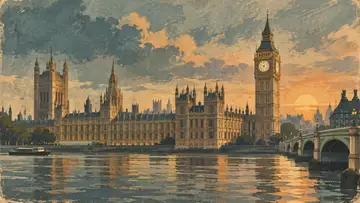
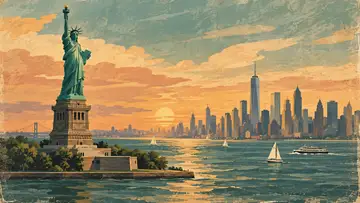
Other supported brands
Frequently asked questions
What resolution should I use for Fire TV?
Fire TV Ambient Experience displays art at 3840 × 2160 (16:9, 4K UHD). Every wallpaper on this site is delivered at that exact size, so files fill the screen edge to edge with no cropping or stretching.
How do I get wallpapers onto a Fire TV TV?
Upload wallpapers to Amazon Photos on the same Amazon account as the Fire TV, then open the Ambient Experience from the remote's Shortcuts menu and choose Change Background to select the uploaded images or album.
Does 4K Wallpaper Atlas have a full step-by-step guide for Fire TV?
Yes. Every wallpaper bundle purchase includes a companion PDF guide with numbered, screenshot-free setup steps for Fire TV plus five other art-mode TV brands.